01
Upload
Add a screenshot, document photo, or image.
screenshot.png
Bill went up
Long notice
App error
Explain screenshots, bills, forms, messages, and app errors in plain English.
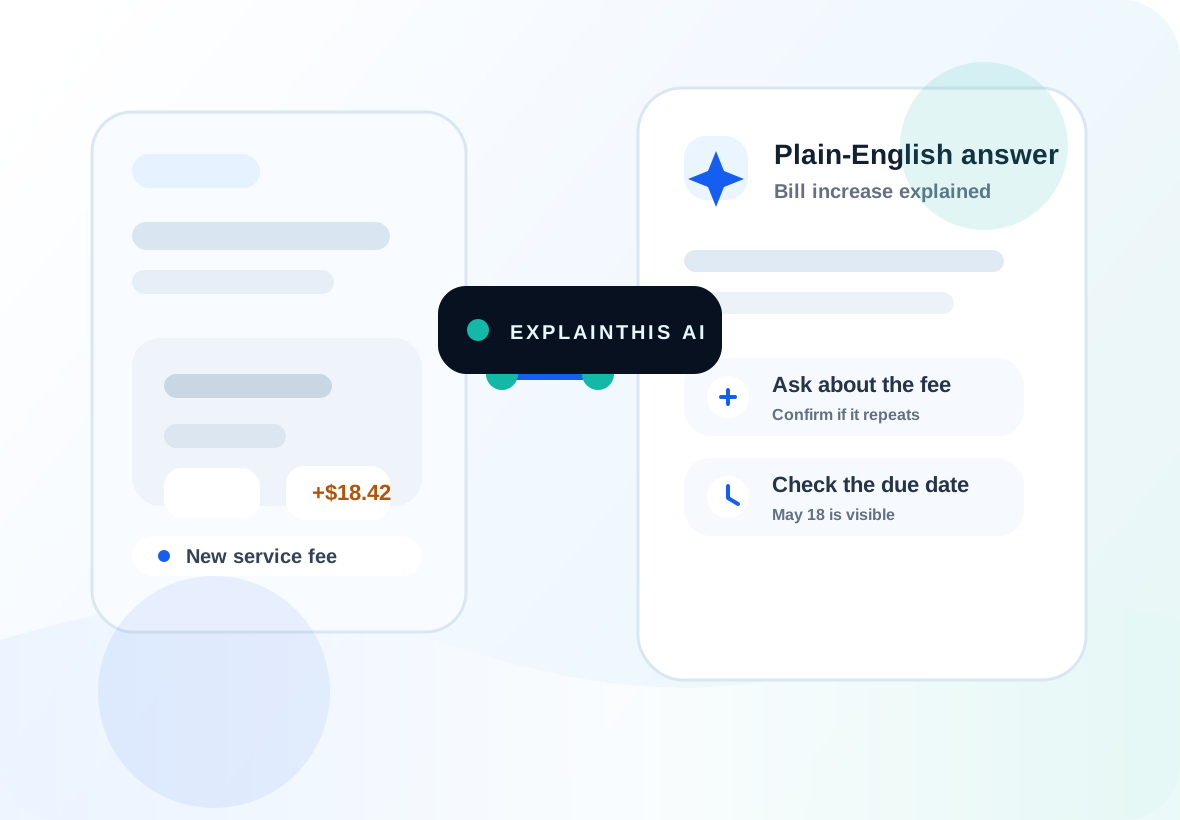
Before to after
The product is built around one transformation: messy input in, clear next steps out.
Read
Find
Act
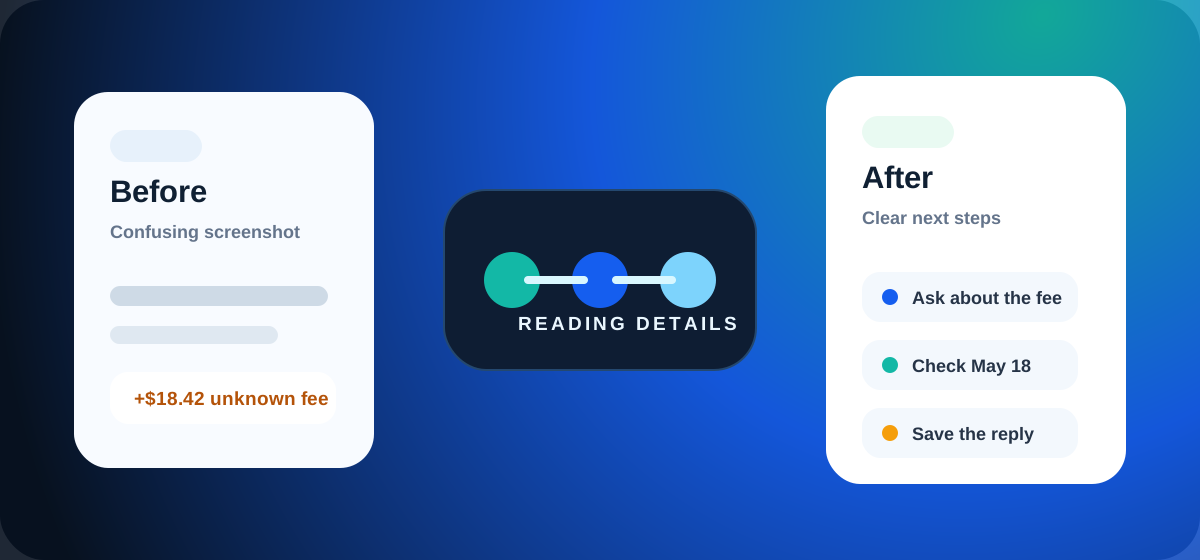
How it works
The app guides the process so normal screenshots turn into useful answers.
Add a screenshot, document photo, or image.
screenshot.png
Pick the kind of help you want.
Explain this
Receive clear next steps you can use.
Plain English
What you get
Not a long chat transcript. The answer is organized into cards that are easy to scan, copy, print, or save.
Quick identification
Plain-English meaning
Dates, fees, names, requirements
Action steps
Deadlines, risks, unclear fees
Ready-to-copy when useful
Use cases
Use ExplainThis to explain a bill, explain a form, explain app error screens, or turn a document photo into practical next steps.
Fees, dates, questions.
Docs, fields, signatures.
Tone and replies.
Simple fixes.
Price and red flags.
Steps and due work.
Dates, names, rules.
Careful summary.
Static demos
These previews are mock examples only. They show the kind of result you can expect from your own screenshot.
Bill
Uploaded item
Monthly total changed
Possible service fee found. Ask what changed before paying.
Reply or note
Can you explain why this bill increased and confirm whether a new fee was added?
Message
Uploaded item
Need a clear response
The tone is urgent but reasonable. A short direct reply works.
Reply or note
Thanks for the update. Thursday afternoon works for me. Please send the final time.
App Error
Uploaded item
Unknown warning screen
This may be a permission or sign-in issue. Try three quick checks first.
Reply or note
No reply needed.
Notice
Uploaded item
Action required?
Check the deadline first, then gather the listed documents.
Reply or note
Plain-English explanation only. Check with a qualified professional for important decisions.
ExplainThis is a plain-English helper, not a replacement for professional judgment. Only upload what you are comfortable sharing for analysis.
Do not upload passwords, full credit card numbers, Social Security numbers, or highly sensitive private information. For legal, medical, financial, immigration, tax, insurance, or safety decisions, use this as a plain-English explanation and consult a qualified professional.
Plans
Payments are not live. ExplainThis can stay useful for free users while preparing optional Pro features and relevant partner-ready next steps for the future.
$0
Best for trying ExplainThis and saving important explanations.
Optional
For power users who want deeper analysis and more organization.
Partner-ready
For services that help users solve real-world problems after an explanation.
Short answers about privacy, sharing, safety, and how ExplainThis works.
ExplainThis can analyze screenshots, document photos, bills, forms, messages, app errors, product pages, travel documents, schoolwork, and official notices.
No. ExplainThis gives plain-English explanations and next steps. For legal, medical, financial, tax, immigration, insurance, aviation, safety, or official decisions, users should consult a qualified professional.
Yes. When sharing is available, ExplainThis creates a public result page that shows the explanation only. The uploaded file is not shown publicly in this MVP.
No. Public result pages show the explanation only. Uploaded files are not shown on public result pages in this MVP.
Only upload what you are comfortable sharing for analysis. Avoid passwords, full credit card numbers, Social Security numbers, private IDs, and highly sensitive personal information.
Guests can try up to 3 analyses. A free account is required after that and unlocks your personal library. Create an account with your email and password, then confirm your email once.
Sign-in helps prevent spam, control API costs, and keep the tool available for real users.
A free account lets you save explanations, use automatic categories, create basic folders, and share result links during the MVP.
Yes. Signed-in users get auto-categorized saved results and can move them into custom folders.
Yes, but it is optional and planned for power users who want higher limits, deeper analysis, batch/document support, exports, and more organization. Payments are not live yet.
The product is free-first. Future revenue may come from relevant next-step offers, opt-in professional leads, partner tools, B2B widgets, and optional Pro features. ExplainThis should not sell private documents or uploaded files.
ExplainThis is designed for one simple job: upload a confusing screenshot and get a structured explanation without writing the perfect prompt.
Yes. Start with 3 free guest analyses, then sign in free to save and organize results. No payment is required for the MVP.
No app store download needed. Add it to your phone home screen in a few seconds and use it like an app from your home screen.
Open ExplainThis on your phone